Loading Dock Efficiency: Plan, Stage and Load Faster
Improve loading dock efficiency with loads planned in advance, staging lanes in loading order, appointment slots sized by load and short door checklists.
Operations & software · · 5 min read
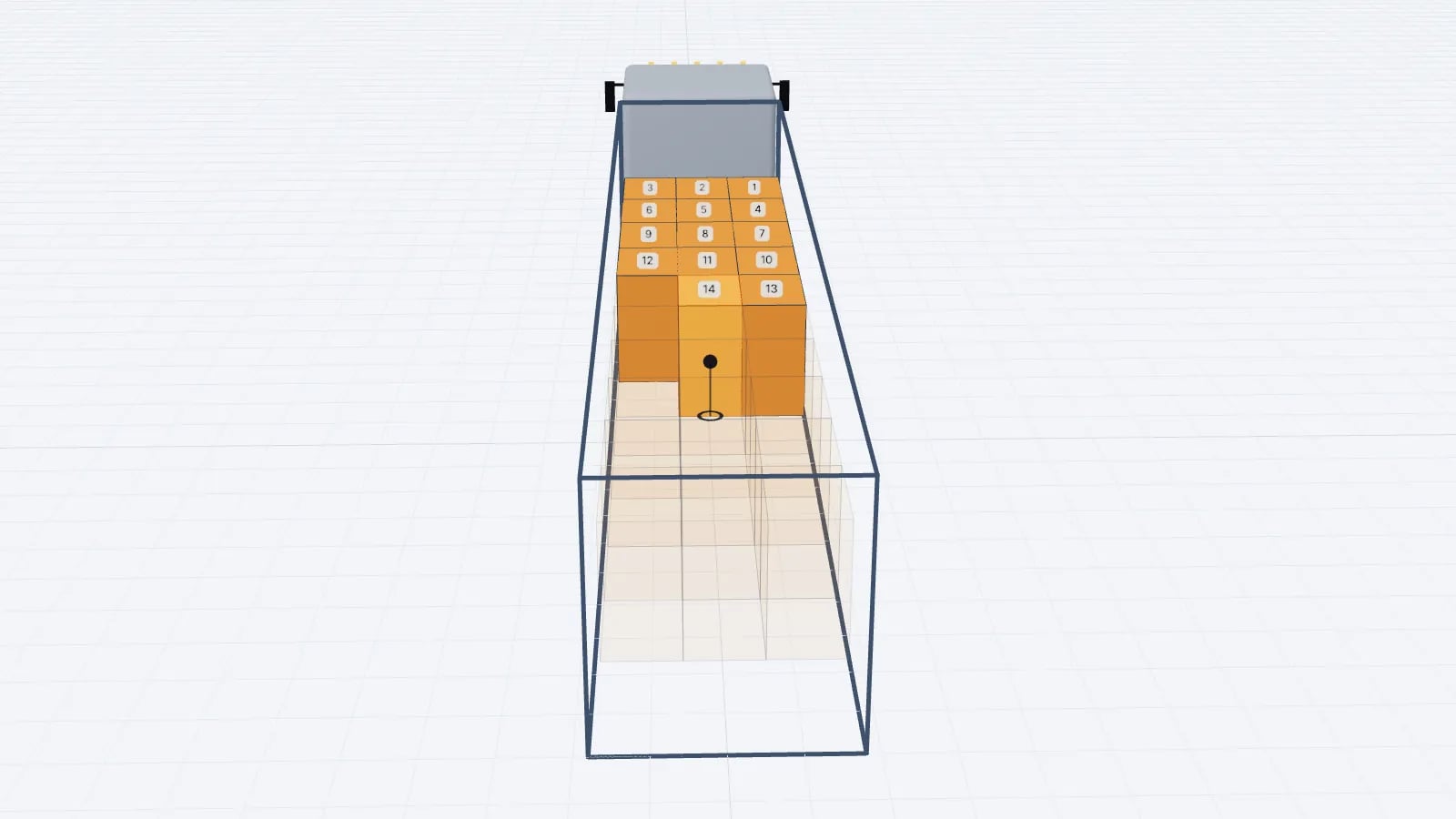
Loading dock efficiency comes mostly from work done before the truck arrives: a load plan made in advance, goods staged in loading order next to the right door, and an appointment slot that matches the time the load actually takes. When those three are in place, loading becomes a sequence to follow rather than a puzzle solved at the door.
Where dock time goes
Watch a busy dock for a shift and the time spent at the door usually falls into a few buckets. Measuring your own split is the first improvement step, because it tells you which fix will pay.
Activity: Waiting for the truck to dock
- Typical cause of delay
- Early or late arrivals, door not free
- Fix
- Appointment slots, yard visibility
Activity: Finding and picking the goods
- Typical cause of delay
- Picking starts when the truck arrives
- Fix
- Pick and stage before the slot
Activity: Deciding how to load
- Typical cause of delay
- No plan, or a plan the loader does not trust
- Fix
- Pre-made plan with sequence and drawings
Activity: Reshuffling
- Typical cause of delay
- Items loaded in the wrong order or do not fit
- Fix
- Stage in sequence; check fit in advance
Activity: Securing and paperwork
- Typical cause of delay
- Straps and documents not ready
- Fix
- Checklist at the door
| Activity | Typical cause of delay | Fix |
|---|---|---|
| Waiting for the truck to dock | Early or late arrivals, door not free | Appointment slots, yard visibility |
| Finding and picking the goods | Picking starts when the truck arrives | Pick and stage before the slot |
| Deciding how to load | No plan, or a plan the loader does not trust | Pre-made plan with sequence and drawings |
| Reshuffling | Items loaded in the wrong order or do not fit | Stage in sequence; check fit in advance |
| Securing and paperwork | Straps and documents not ready | Checklist at the door |
1. Plan the load before the order is picked
A plan made after picking is a reaction. A plan made when the order is released lets the warehouse pick in the order the truck will be loaded, flags anything that will not fit while there is still time to book a bigger vehicle or a second truck, and gives the loader drawings instead of a list. The plan should include the loading sequence: which item goes in first, from the front wall towards the doors and from the floor up. See how to make a load plan.
Tip
Release orders to planning with a cut-off that leaves enough time to plan, pick and stage. If the plan is always made at the last minute, the dock will always improvise.
2. Stage goods in lanes by loading sequence
Staging lanes are marked floor areas in front of each dock door. The simplest rule is "first to load, nearest the door": the pallets for the front of the trailer stand at the front of the lane, the pallets for the doors at the back. For a multi-drop load, the last stop is staged nearest the door because it is loaded first.
- 1Mark lanes on the floor in front of each door, sized for a full trailer of your most common pallet (for example 3 Euro pallets wide).
- 2Print the loading sequence and stick it to the lane, or put a tablet with the share link at the door.
- 3Pick and drop pallets in sequence order; the forklift then works front to back without searching.
- 4Keep non-stackable and fragile items visibly marked so they are not used as a base.
- 5Check the lane against the plan before the truck docks: count, stop labels, damaged pallets.
For multi-drop work, colour the stops on the plan and on the pallet labels so the loader and the driver see the same thing. More on stop order in multi-drop load planning.
3. Book dock appointments by load time
Fixed 60-minute slots for every truck waste time on small loads and overrun on complicated ones. Estimate the slot from the plan instead: number of forklift moves, plus fixed time for docking, securing and documents.
Say a forklift move (pick from the lane, drive in, place, come back) takes about 1.5 minutes at your site, and docking, securing and paperwork add 15 minutes. A full trailer of 33 Euro pallets loaded one at a time is 33 moves × 1.5 = 49.5 minutes, plus 15 = about 65 minutes. If the forklift can take two pallets at once for most of the load, say 15 double moves and 3 single moves, that is 18 × 1.5 = 27 minutes, plus 15 = 42 minutes. A two-stop load with 20 pallets single moves is 20 × 1.5 + 15 = 45 minutes. Measure your own move time over a week; these figures are only to show the method.
Good to know
Side-loading curtainsiders by forklift and rear-loading box trailers or containers have very different move times. Keep separate estimates for each.
Slot length is only half of scheduling. The other half is spreading the slots across doors and the shift so loaders and forklifts are not all needed at once. If your afternoon peak has six trucks booked at 14:00 and two forklifts, four drivers will wait regardless of how well each load is planned. Stagger appointments by the planned load time, and leave a short buffer after complicated loads (multi-drop, mixed pallet sizes, cartons) where overruns are most likely.
Handle what does not fit before it reaches the door
The most expensive dock delay is discovering at the door that the load does not fit. The truck waits while someone decides what to leave behind, the leftovers clutter the staging area, and a second vehicle is booked at short notice. A plan made at order release shows the problem hours earlier, when you can still change the vehicle, split the order deliberately or move lower-priority lines to the next day. See how to avoid overloading fines for the weight side of the same check.
4. Use a short checklist at the door
- Vehicle matches the plan (type, inside length and height, payload).
- Load floor clean and dry; anti-slip mats in place if used.
- Lane matches the plan: count, labels, stops.
- Loading follows the sequence; deviations noted on the plan.
- Load secured as required (straps, blocking, gap at the doors filled). See load securing basics.
- Photo of the load at the doors attached to the plan.
- Documents handed over: plan PDF or link, delivery notes, CMR.
5. Measure and feed back
Track a few numbers per door and per shift: docking-to-departure time, number of loads that needed reshuffling, and loads that left with items behind. Compare the actual time with the slot estimate. If a customer’s loads always overrun, the plan or the pallets are probably not what the master data says. For fill-rate measures that sit alongside dock time, see truck fill rate KPIs.
A 3D planner helps here because the plan the dock loads from is the same one planning made: in EveryLoading the loading sequence can be played step by step, and the PDF or share link carries the same order and drawings to the door.
Frequently asked questions
What is the fastest way to improve dock turnaround?
Have the goods picked and staged in loading order before the truck docks. Waiting for picking at the door is the most common avoidable delay.
How long should a dock appointment slot be?
Base it on the load: forklift moves times your measured move time, plus fixed time for docking, securing and paperwork. Fixed slots for every load size either waste time or overrun.
How should multi-drop loads be staged?
Stage the last stop nearest the door, since it is loaded first and goes deepest into the vehicle. Mark stops with colours or labels that match the plan.
Keep reading
Operations & software · · 5 min read
Loading Plan for Drivers: What the Paper and the Link Need
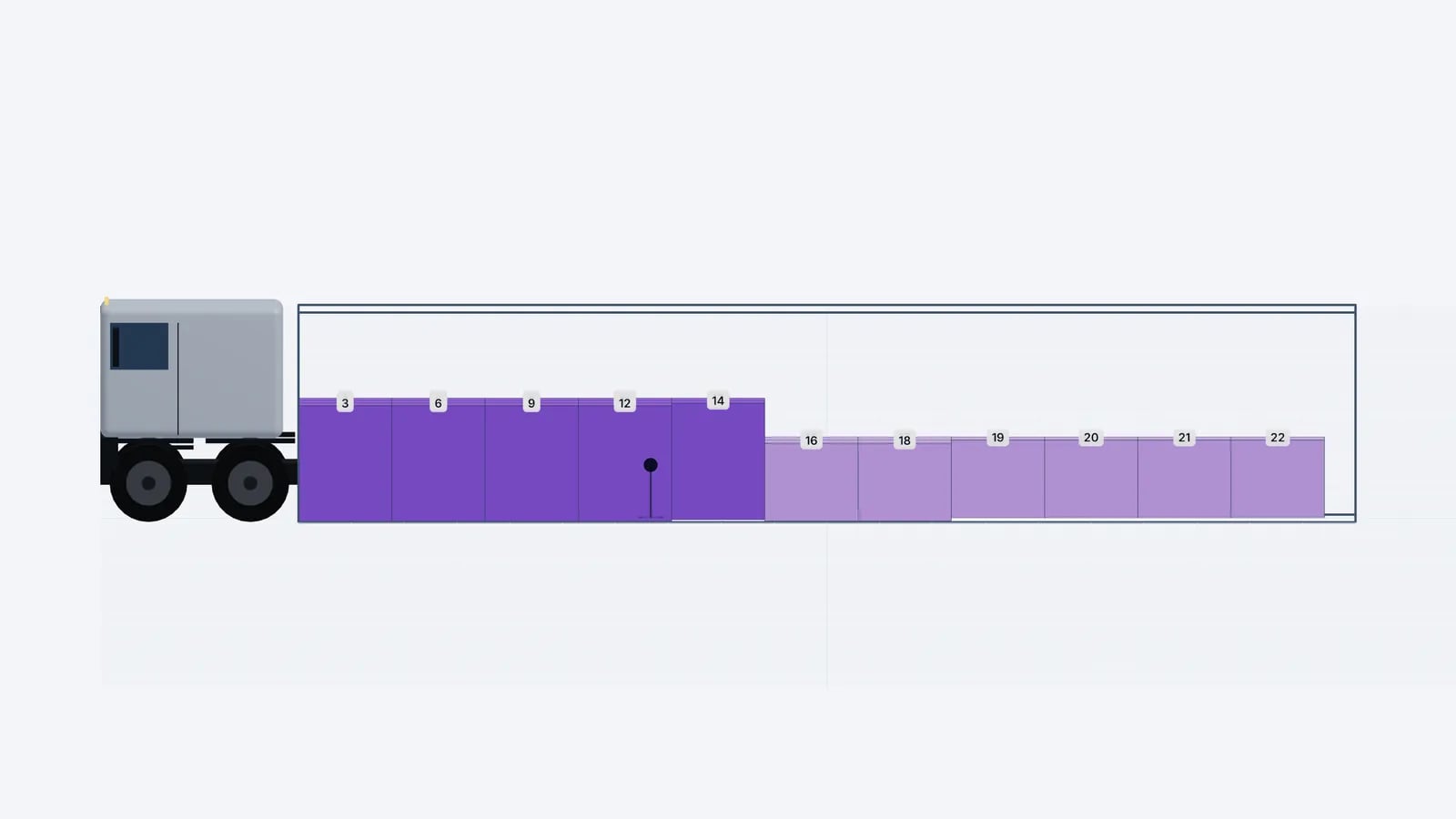
What drivers and the warehouse need in a loading plan: manifest, loading sequence, top/side/rear drawings, stop order and weights, on paper or a phone link.
Read article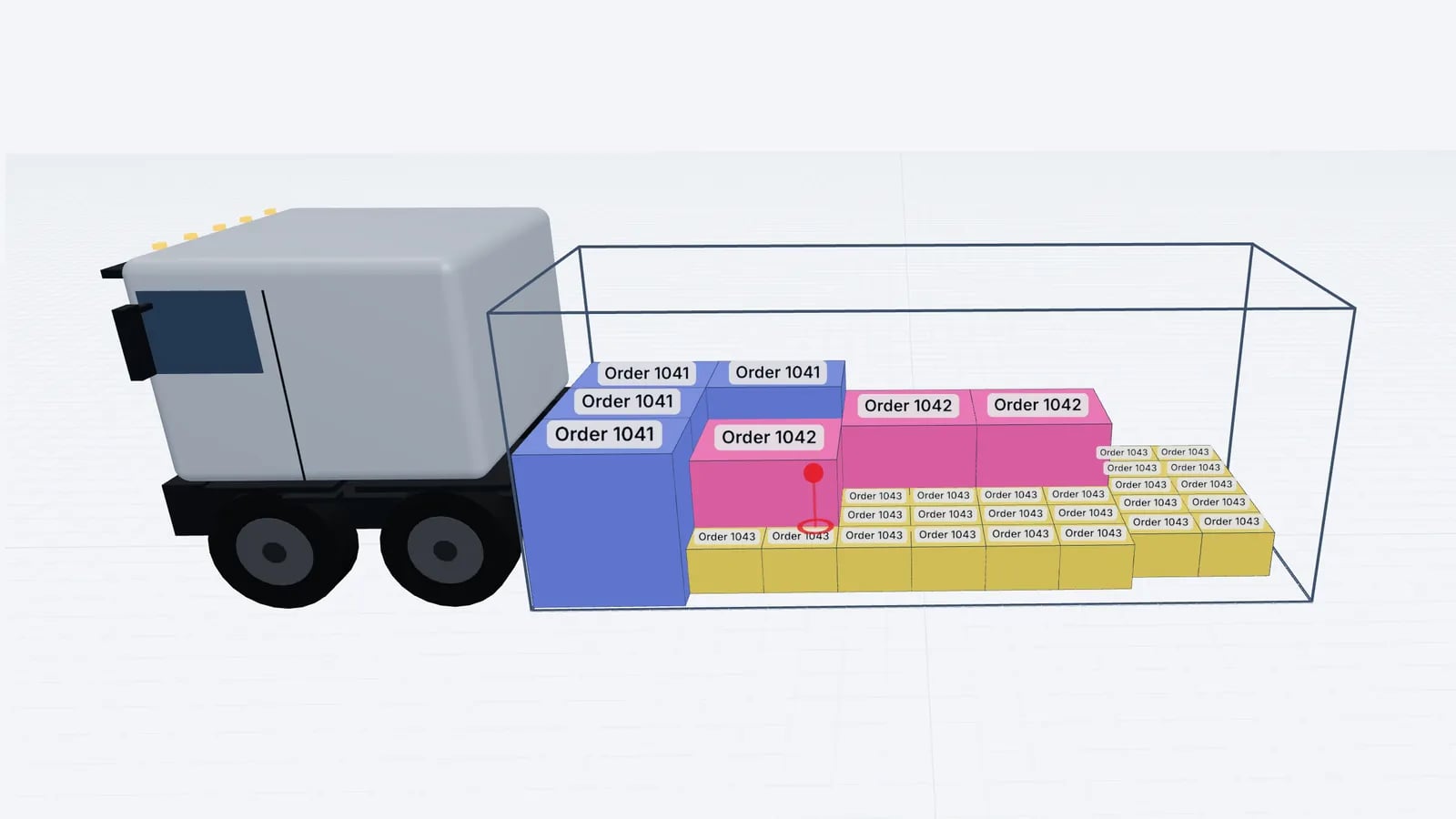
Operations & software · · 5 min read
Load Planning in Excel vs a 3D Planner: When to Switch
Where load planning in Excel works, where it breaks (stacking, mixed sizes, axles, sequence) and how to keep your spreadsheet as input for a 3D planner.
Read article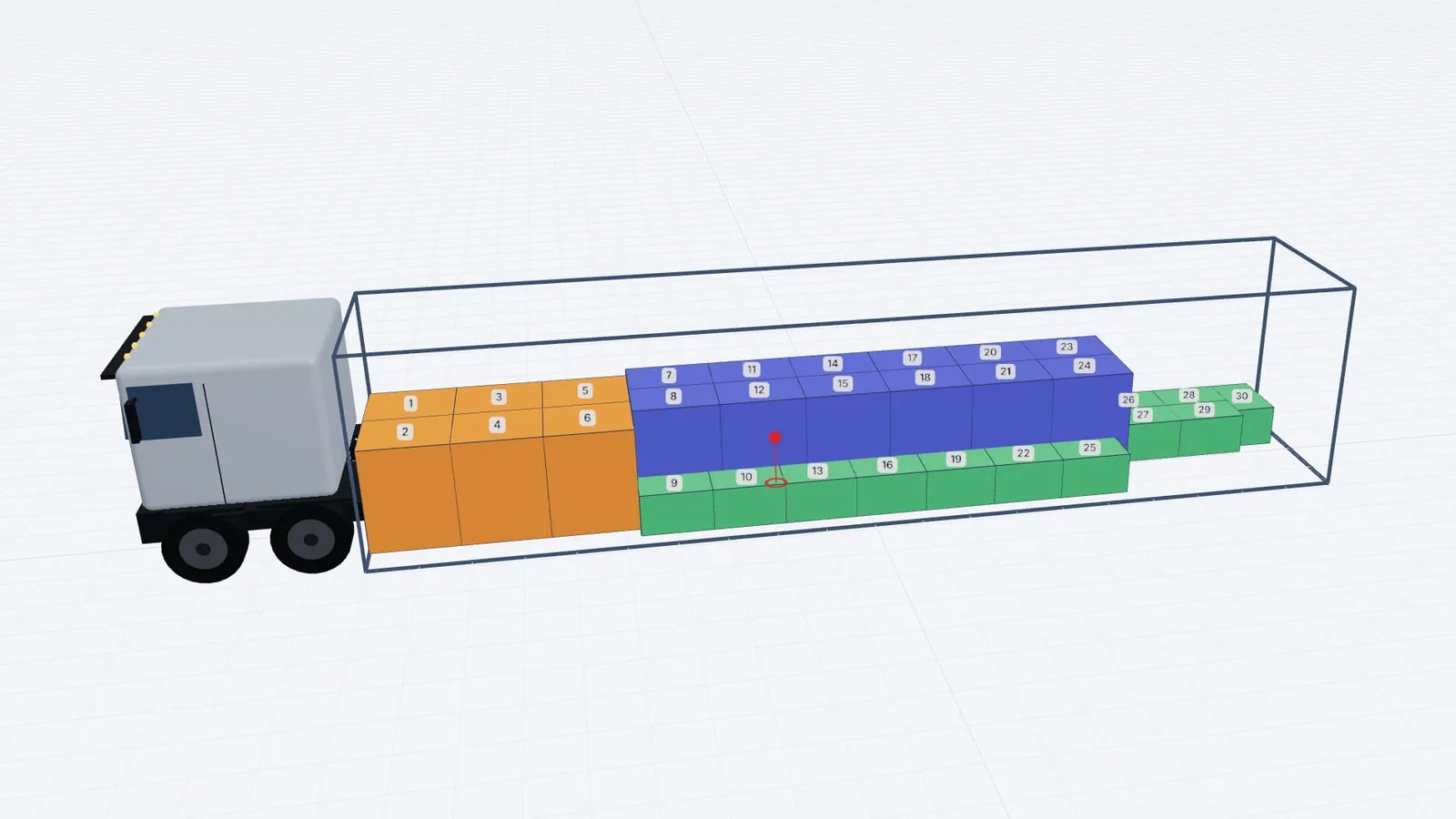
Operations & software · · 4 min read
Goodloading Alternative: What to Compare Before Switching
Looking for a Goodloading alternative? What to compare when switching load planners: trial, file import, sequence, multi-stop, axles, vehicles and cost.
Read article