Multi Drop Loading: How to Plan a Truck for Several Stops
Plan a multi-drop truck so every stop unloads without moving other cargo: LIFO order, lanes, stop numbers, axle loads after each drop and a worked example.
Road freight · · 5 min read
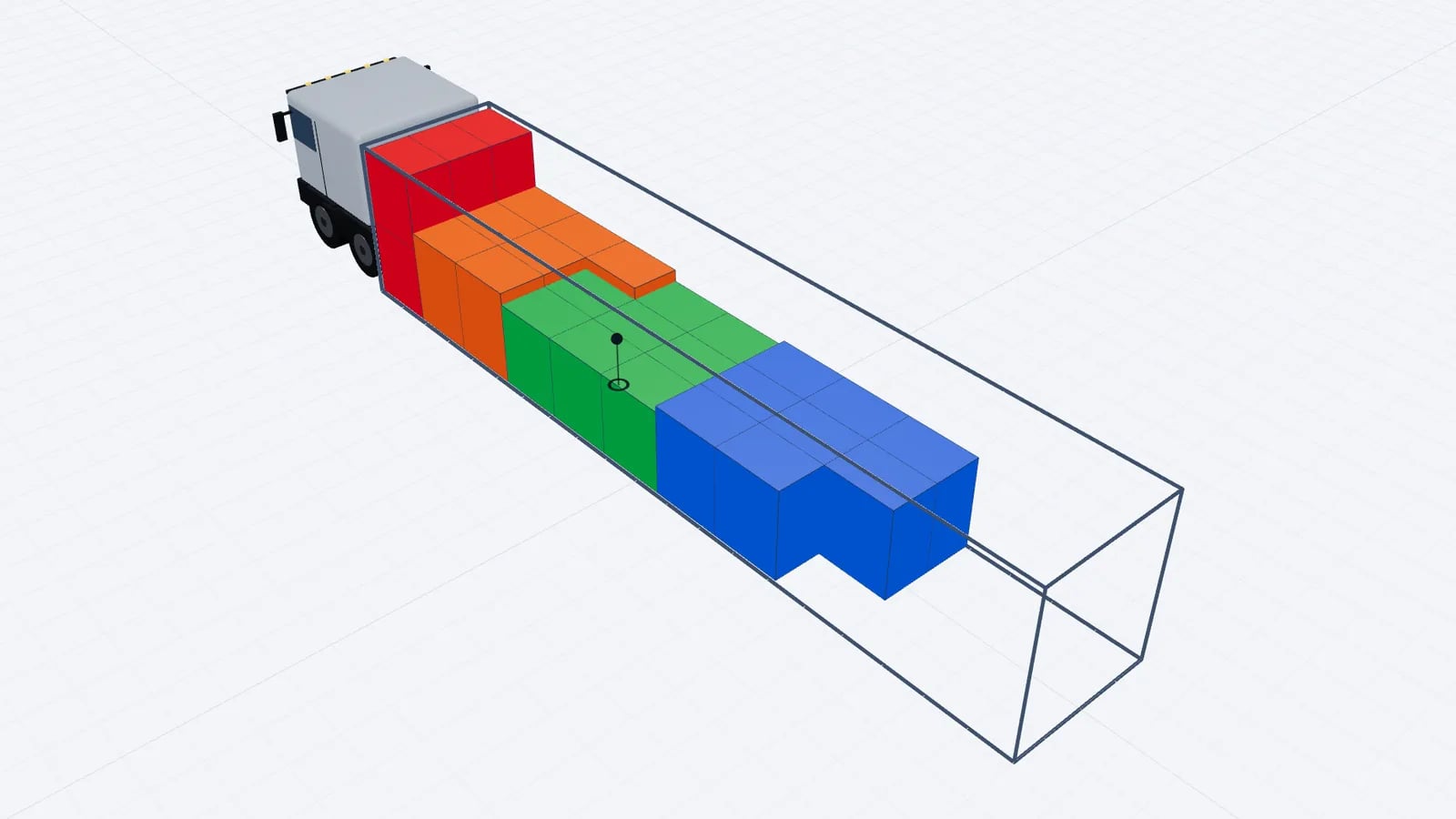
For multi drop loading, load in reverse delivery order: goods for the last stop go in first, against the front wall, and goods for the first stop go in last, by the doors. This last-in, first-out (LIFO) order means each drop can be unloaded without moving anything that stays on the truck.
The principle is simple. Making it work with mixed pallet sizes, heavy and light goods, side and rear unloading and a fixed payload is where planning earns its keep.
Why re-handling is expensive
Every pallet that has to come off and go back on at a customer site costs driver time, risks damage, and needs space and a forklift the customer may not have. On a tight delivery window it can also make you late for every following stop. A good multi-drop plan has zero re-handling: at each stop, the goods for that stop are the only goods between the door and the rest of the load.
Stop numbers drive the plan
Start by giving every line on the packing list a stop number: 1 for the first delivery, 2 for the second, and so on. The stop number then sets depth in the vehicle, not the item size.
- 1Confirm the route and the order of stops with the dispatcher or the routing tool before you plan. A late change of stop order usually means re-planning, not tweaking.
- 2Group items by stop and total the floor space (loading metres) and weight of each group.
- 3Place the highest stop number at the front wall and work back towards the doors, one stop at a time.
- 4Within each stop, apply the normal rules: heavy items low, stackable items stacked, fragile items on top or alone.
- 5Check that nothing for a later stop sits between an earlier stop and the door in the same lane.
- 6Check axle loads for the full load and after each drop.
Lanes: what "between" really means
A trailer is not one long queue. With Euro pallets loaded three abreast, you effectively have three lanes running from the front wall to the doors. A pallet for stop 2 can sit next to a pallet for stop 1 in the same row, because the forklift reaches each lane separately. What it cannot do is sit behind (nearer the doors than) a stop 1 pallet in the same lane.
With side unloading on a curtainsider the rule changes: the driver opens the curtain at the stop, so a stop's goods should be reachable from the side, ideally grouped along the length rather than buried in the middle lane. Agree with the customer whether they unload from the rear dock or from the side before you plan.
Worked example: three stops, 33 pallets
Say a standard 13.6 m trailer carries 33 Euro pallets (11 rows of 3, numbered from the front wall) for three customers on one route: stop 1 takes 14 pallets, stop 2 takes 10 pallets and stop 3 takes 9 pallets.
Rows (from front wall): 1–3
- Pallets
- 9
- Stop
- Stop 3 (last delivery)
Rows (from front wall): 4–6
- Pallets
- 9
- Stop
- Stop 2
Rows (from front wall): 7
- Pallets
- 1 + 2
- Stop
- 1 pallet for stop 2, 2 pallets for stop 1, side by side
Rows (from front wall): 8–11
- Pallets
- 12
- Stop
- Stop 1 (first delivery)
| Rows (from front wall) | Pallets | Stop |
|---|---|---|
| 1–3 | 9 | Stop 3 (last delivery) |
| 4–6 | 9 | Stop 2 |
| 7 | 1 + 2 | 1 pallet for stop 2, 2 pallets for stop 1, side by side |
| 8–11 | 12 | Stop 1 (first delivery) |
Check the totals: stop 3 has 9, stop 2 has 9 + 1 = 10, stop 1 has 2 + 12 = 14, making 33. At stop 1 the driver unloads rows 11 to 8 and the two stop 1 pallets in row 7. The stop 2 pallet in row 7 sits beside them, not behind them, so nothing is moved. At stop 2 everything for stop 2 is now at the doors, and at stop 3 the last 9 pallets come off.
Weight changes after every drop
Multi-drop plans are often checked only for the full load. But as you unload from the rear, the remaining weight sits further forward, and a heavy load at the front of a trailer puts more of its weight on the kingpin and therefore on the tractor's drive axle. If the last stop's goods are dense (drinks, tiles, metal parts), the drive axle can be closer to its limit after the first drop than at departure.
- Put dense goods for the last stop low and spread along their rows, not concentrated against the front wall.
- Check the axle estimate for the load that remains after each stop, not only at departure.
- If the route lets you, route the stop with the heaviest goods earlier.
The background is explained in weight distribution in a trailer and EU axle weight limits.
Practical tips for dispatchers and warehouse teams
- Stage by stop. Lay out the dock lanes in loading order (last stop first) so the forklift driver never has to search.
- Label with the stop number in large print on two sides of each pallet. Colour-coded labels per stop help at a glance.
- Secure each block. When a stop comes off, the remaining load must not slide back into the gap. Use straps or load bars at each block boundary; see load securing basics.
- Give the driver the sequence. A printed or shared plan showing which pallets go off at each stop saves phone calls from the road.
- Leave a small buffer of floor space when routes change often, so a late extra pallet for an early stop can still go by the doors.
Tip
In EveryLoading, enter a number in the STOP column of the cargo table and click Optimize load. Later stops are loaded deeper, and no later-stop item is placed between an earlier stop and the doors in the same lane. Set Color by to Stop to check it visually. See multi-stop deliveries.
Frequently asked questions
What does LIFO mean in truck loading?
Last in, first out: the goods loaded last, nearest the doors, are the first to come off. For multi-drop routes you load the last stop first so the first stop is at the doors.
Can pallets for different stops share a row?
Yes, as long as each sits in its own lane and nothing for a later stop is behind an earlier stop's pallet in that lane. With rear unloading the forklift can reach each lane independently.
Why check axle loads after each drop?
Unloading from the rear leaves the remaining cargo at the front, which shifts weight onto the tractor. A load that was legal at departure can put the drive axle over its limit after the first stop.
What if the stop order changes after loading?
Small changes can sometimes be handled by side unloading on a curtainsider. Otherwise re-plan; reloading on the road usually costs more than reloading at the dock.
Keep reading
Road freight · · 5 min read
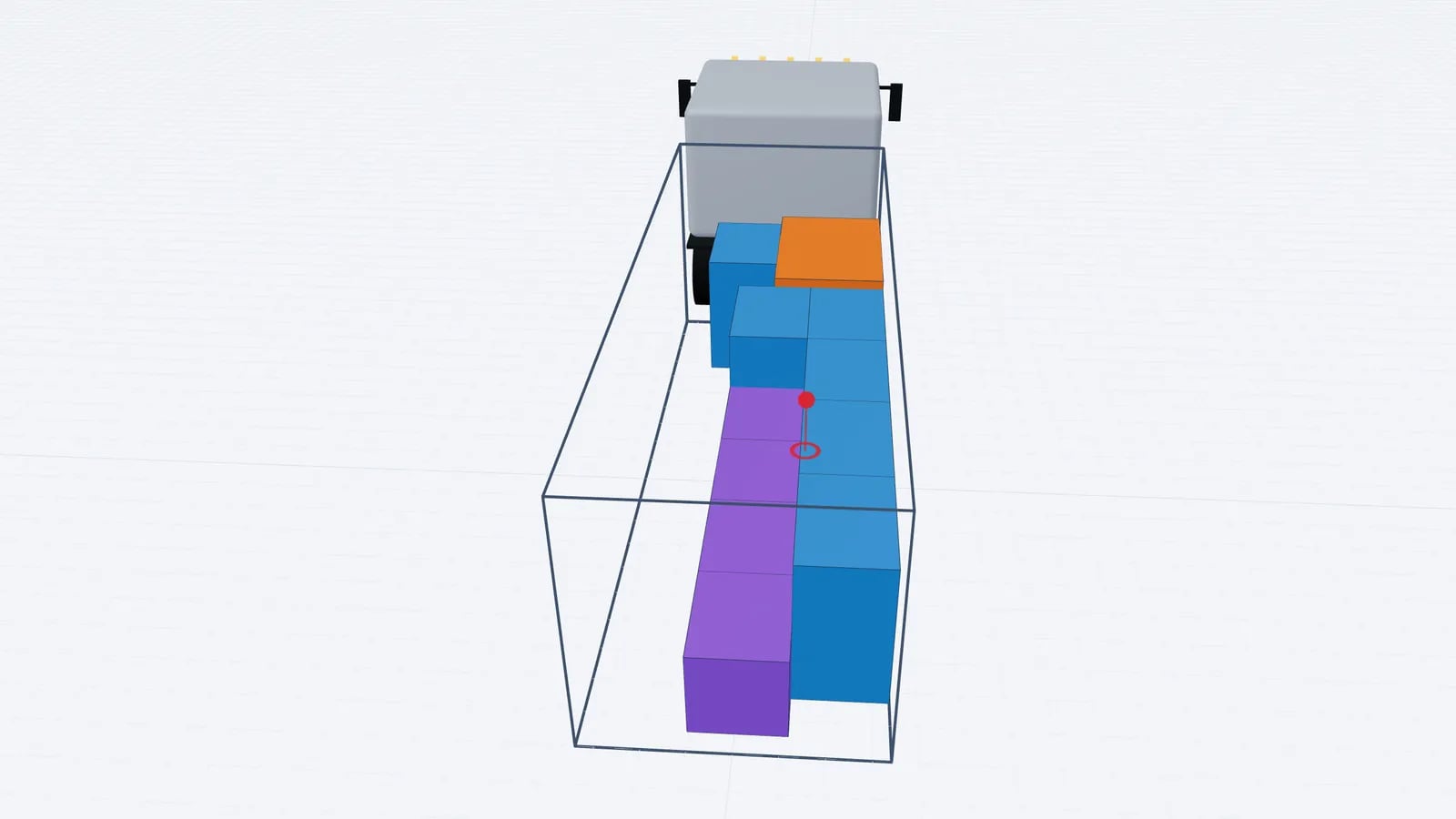
Load Securing Basics: EN 12195-1, Friction, Lashing, Blocking
The principles of load securing under EN 12195-1: design forces, friction, blocking, lashing, body strength, and how a gap-free load plan cuts securing effort.
Read article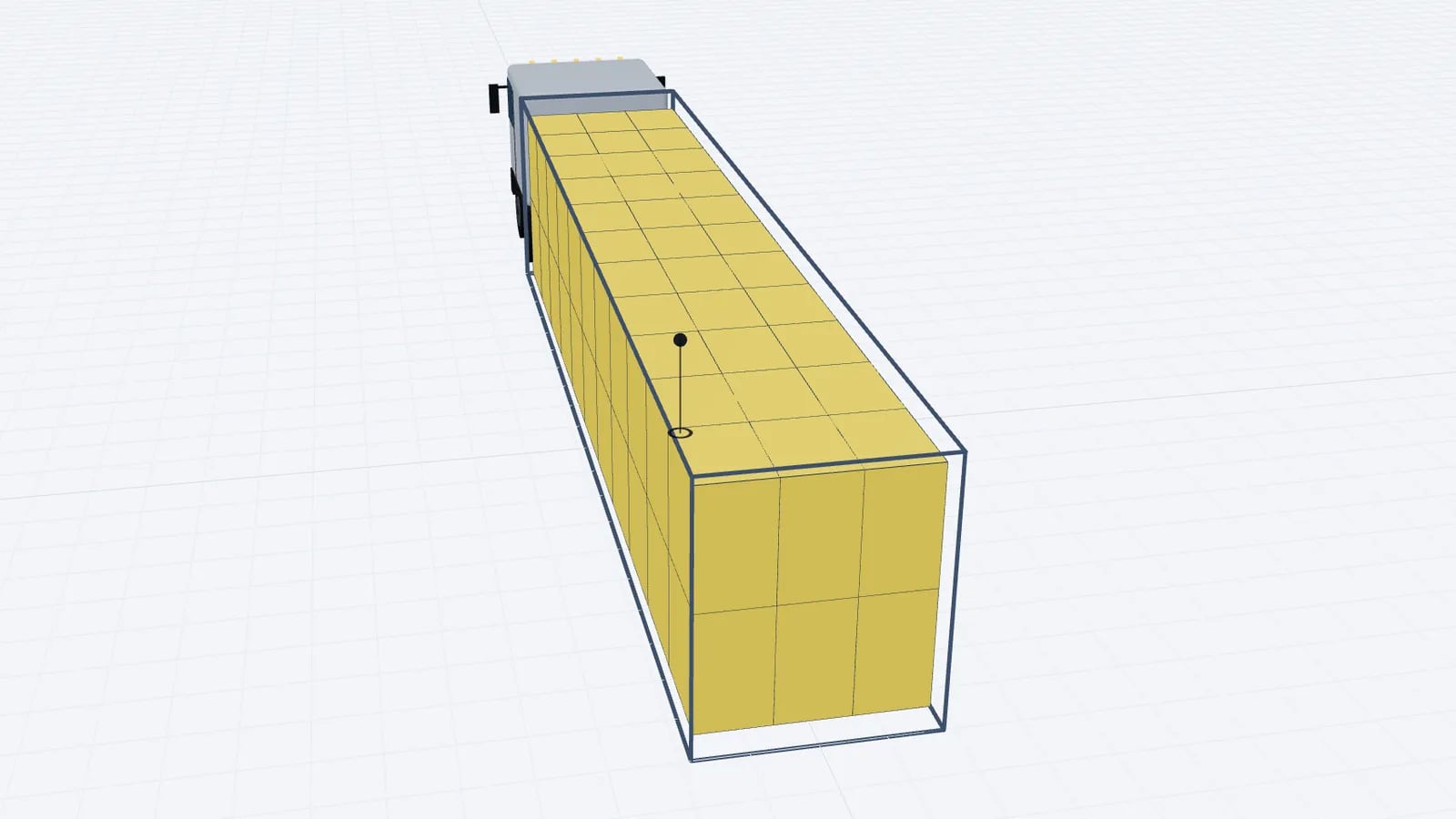
Road freight · · 5 min read
Double Stacking Pallets in Trailers: Height, Weight, Stability
When you can double stack pallets in a trailer: maximum pallet heights in standard and mega trailers, weight on the bottom pallet, payload and stability.
Read article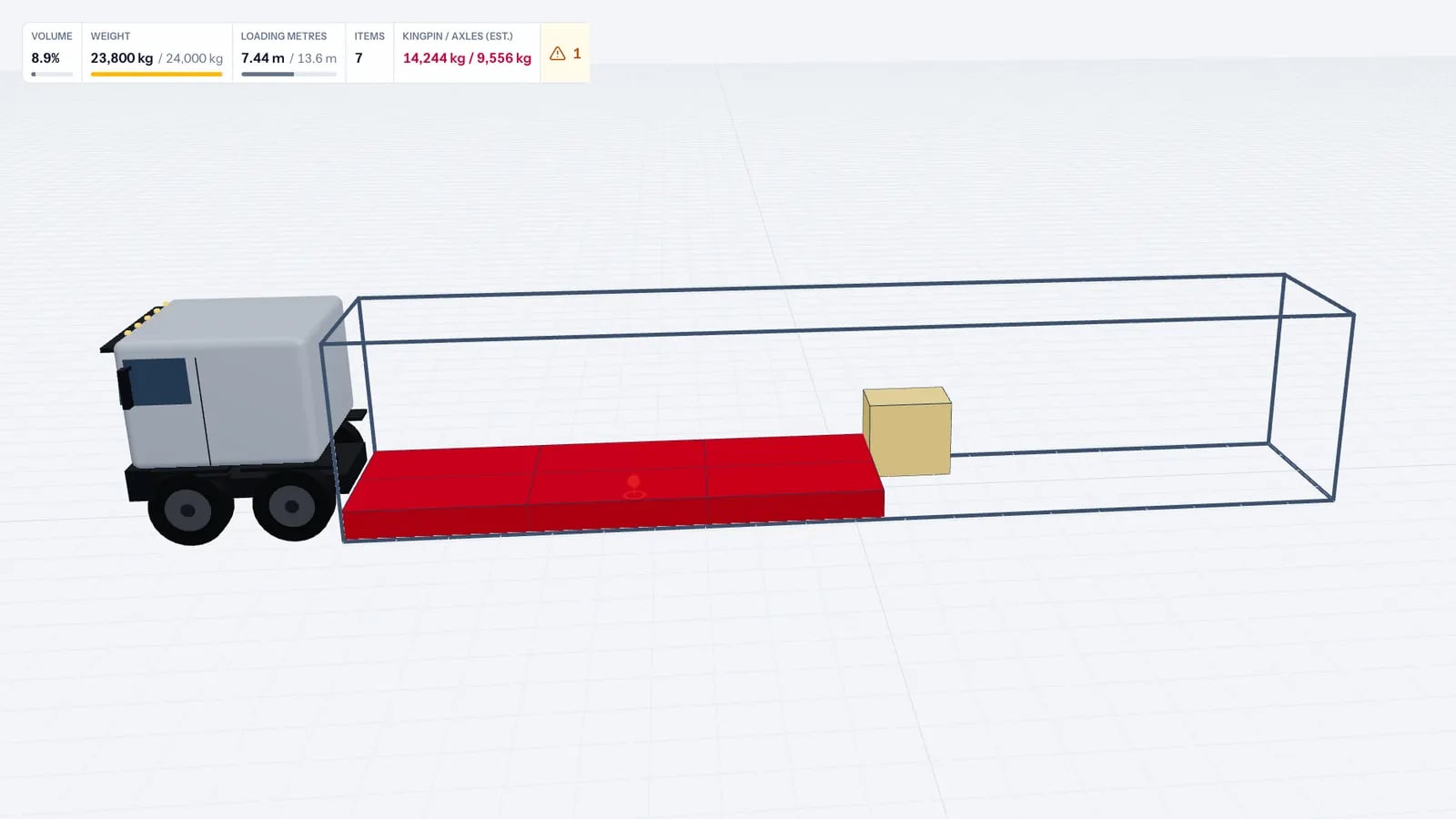
Road freight · · 5 min read
Overloaded Truck Fines: Checks to Make Before Dispatch
Avoid overloaded truck fines with a pre-dispatch routine: real cargo weights, payload margin, axle-load estimates, partial-load traps and weighbridge checks.
Read article