Load Planning Software: What to Look For Before You Buy
A buyer’s checklist for load planning software: 3D views, stacking and weight rules, Excel import, sequence, multi-stop, PDFs, price and vendor questions.
Operations & software · · 6 min read
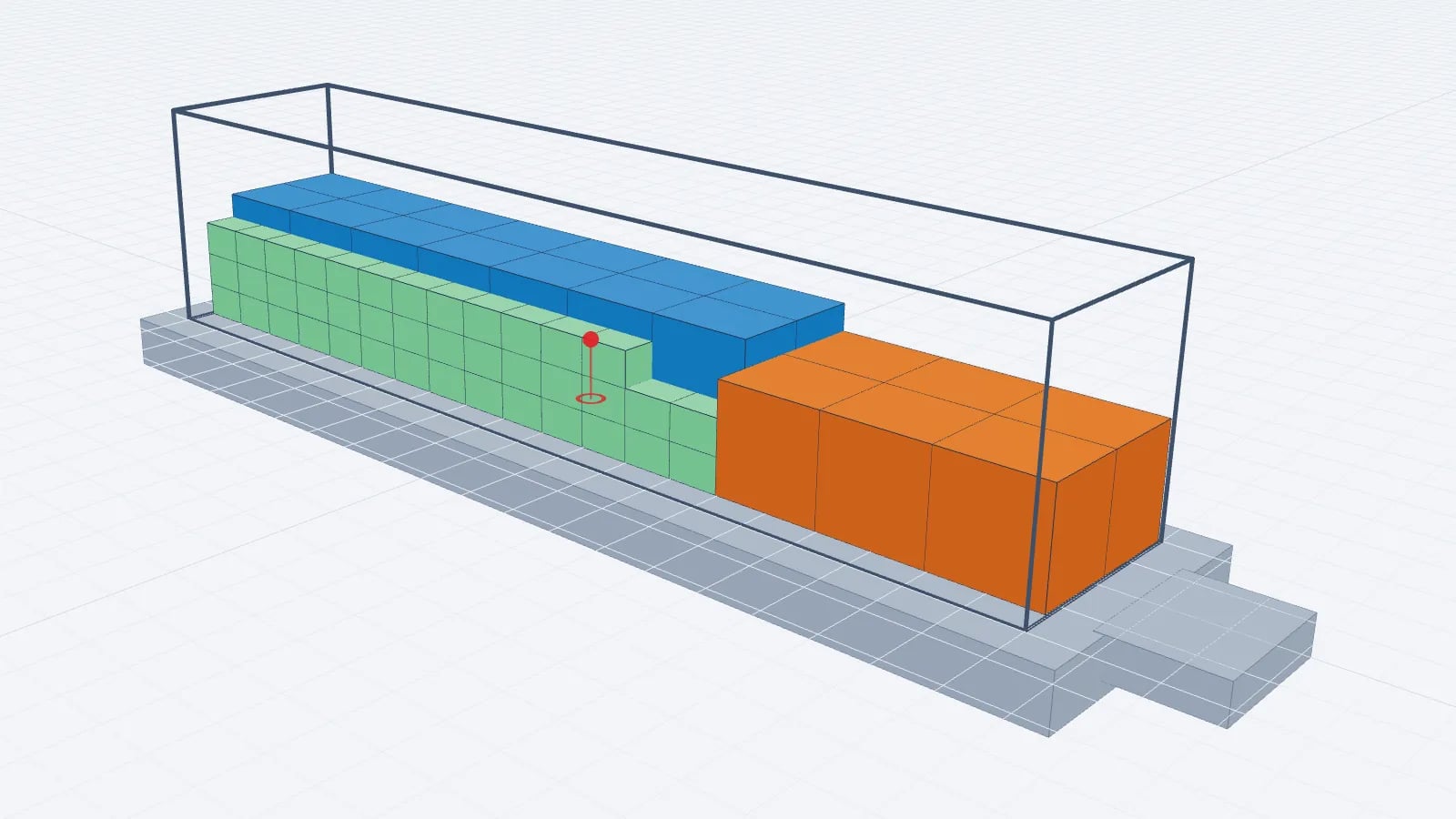
Good load planning software takes your packing list, a vehicle or container size and your handling rules, and returns a plan your warehouse can actually load: a 3D arrangement, a loading order, weights and a document for the dock. When you compare tools, test them on one of your own difficult loads rather than the vendor’s demo, and check how fast you get from spreadsheet to printed plan.
This guide lists the features that matter in daily dispatch work, the ones that are nice to have, and the questions worth asking before you sign up. If you are still deciding whether you need software at all, start with load planning in Excel vs a 3D planner.
The core: a correct 3D model of your load
Everything else depends on the model being right. A planner should work in real inside dimensions (length, width and height of the load space, not the outside of the trailer), know the maximum payload, and show every item where it will physically stand. A 3D view is not decoration: it is how a planner spots an overhanging carton, a gap that needs dunnage or a stack that is too tall for the door.
- Vehicle library. Standard semitrailers (around 13.6 × 2.45 × 2.7 m inside), mega trailers, rigid trucks, 20′ and 40′ containers, high cubes, reefers and, if you ship by air, ULDs. You should also be able to type a custom size.
- Accurate units. Centimetres, millimetres, metres and inches for size; kilograms and pounds for weight. Watch for tools that silently round.
- Manual adjustment. The optimiser’s answer is a starting point. You need to drag, stack, turn and remove items without fighting the software.
- Flat drawings. Top, side and rear views are what drivers and loaders read. 3D alone is hard to print.
Constraints the optimiser must respect
An optimiser that only maximises volume will happily put a 900 kg crate on top of a pallet of glassware. Check which rules each tool understands and whether you can set them per item rather than for the whole load.
Constraint: Payload
- Why it matters
- Overloading is illegal and dangerous
- What to test
- Add more weight than the vehicle can carry: the tool must refuse or leave items out
Constraint: Stackability
- Why it matters
- Not every pallet can carry another
- What to test
- Mark one item non-stackable and confirm nothing lands on it
Constraint: Max weight on top
- Why it matters
- Cartons crush under heavy loads
- What to test
- Set a limit and check the heaviest stack
Constraint: Rotation
- Why it matters
- "This side up" goods must not be tipped
- What to test
- Allow floor-only rotation and confirm items stay upright
Constraint: Support area
- Why it matters
- A pallet half on another is unstable
- What to test
- Check whether the tool lets you require a minimum support percentage
Constraint: Delivery stops
- Why it matters
- First drop must be by the doors
- What to test
- Give rows stop numbers and check the order from the rear
Constraint: Axle loads / CoG
- Why it matters
- A legal gross weight can still overload an axle
- What to test
- See whether the tool estimates axle loads and how it explains the limits of that estimate
| Constraint | Why it matters | What to test |
|---|---|---|
| Payload | Overloading is illegal and dangerous | Add more weight than the vehicle can carry: the tool must refuse or leave items out |
| Stackability | Not every pallet can carry another | Mark one item non-stackable and confirm nothing lands on it |
| Max weight on top | Cartons crush under heavy loads | Set a limit and check the heaviest stack |
| Rotation | "This side up" goods must not be tipped | Allow floor-only rotation and confirm items stay upright |
| Support area | A pallet half on another is unstable | Check whether the tool lets you require a minimum support percentage |
| Delivery stops | First drop must be by the doors | Give rows stop numbers and check the order from the rear |
| Axle loads / CoG | A legal gross weight can still overload an axle | See whether the tool estimates axle loads and how it explains the limits of that estimate |
For background on the rules themselves, see pallet stacking rules and weight distribution in a trailer.
Getting data in and plans out
Most of a planner’s time goes on data entry, not on optimising. The quickest tools let you copy rows from Excel or Google Sheets and paste them straight into the cargo list; slower ones require a file in their own template. Ideally you get both: paste for daily work, file import for larger or recurring lists.
On the output side, ask what the warehouse and driver receive. A useful plan document contains the vehicle, a load summary (volume, weight, loading metres), the manifest, the step-by-step loading sequence and top/side/rear drawings. A read-only link that opens on a phone saves printing and keeps everyone looking at the latest version. What drivers need in a loading plan covers this in detail.
Operational features worth paying for
- Loading sequence. A numbered order, ideally playable step by step, so the dock loads from the front wall towards the doors in the order the plan assumes.
- Multi-stop. Stop numbers per item, with later drops loaded deeper. See multi-drop load planning.
- Several vehicles. When an order does not fit, the tool should spill it into a second truck rather than just listing what was left behind.
- Saved plans and undo. Recurring loads are common; re-using last week’s plan is faster than starting again.
- Loading metres and fill statistics. Useful for quoting groupage and for fill rate reporting.
A worked test: one load, three minutes
Say a typical outbound order is 22 Euro pallets (120 × 80 × 140 cm, 480 kg each) plus 6 industrial pallets (120 × 100 × 120 cm, 650 kg each) for a standard 13.6 m curtainsider with 24,000 kg payload. Total weight is 22 × 480 + 6 × 650 = 10,560 + 3,900 = 14,460 kg, well within payload, so this is a space problem rather than a weight problem.
Floor space check: the Euro pallets need 22 × 0.96 m² = 21.12 m² and the industrial pallets 6 × 1.2 m² = 7.2 m², 28.32 m² in total. The trailer floor is roughly 13.6 × 2.45 = 33.32 m², so on paper it fits single-stacked, but only if the mixed footprints are arranged well. That is exactly the case where tools differ. Run the same list in each candidate and note: time to enter the data, whether everything was loaded, the loading metres used, whether the pallets ended up in neat lanes a forklift driver can actually build, and how readable the PDF is.
Tip
Keep a folder of three or four real loads that caused trouble in the past (mixed pallet sizes, a non-stackable item, a multi-drop route). Use the same set for every trial so the comparison is fair.
Questions to ask vendors
- 1Is there a trial of the full product, how long is it, and does it cost anything?
- 2What is the price per planner per month and per year, and are features like file import or axle loads in a higher tier?
- 3Can I paste from Excel, and can I import files from the tool I use today?
- 4How are axle loads calculated, and what does the estimate leave out (tractor weight, fuel, driver)?
- 5Can several vehicles be planned together, and can they be different types?
- 6What does the driver or warehouse receive, and do they need an account to see it?
- 7Where is my data stored, and can I export my plans if I leave?
- 8Does it run in a browser, or does it need installation and IT approval?
Good to know
Software estimates are not a substitute for a weighbridge or for your load securing obligations. Treat axle and centre-of-gravity figures as planning aids and check real weights when you are close to a limit.
Price and contract terms
Load planners range from free calculators to enterprise systems integrated with a TMS or WMS. For a small or mid-sized dispatch team, the deciding factors are usually the price per planner, whether the trial is long enough to plan real loads, and whether you can cancel monthly. Compare the yearly cost for the number of planners you actually have, and check which features sit behind a higher plan.
EveryLoading, for example, runs in the browser and starts with a free account; Pro unlocks everything, including paste from Excel, loading sequence, multi-stop, several trucks, axle estimate, PDFs and share links. If you are moving from another planner, what to compare when switching walks through the transition.
Frequently asked questions
Do I need 3D, or is a 2D floor plan enough?
For single-layer pallet loads a floor plan often works. As soon as you stack, mix heights or load cartons, 3D is what shows overhangs, gaps and unstable stacks before the truck is loaded.
Can load planning software guarantee the optimal arrangement?
No. Load optimisation is a hard combinatorial problem, so practical tools use heuristics that give a good plan quickly. Always review the result and adjust it where your crew would load differently.
Is an axle load estimate from software legally reliable?
It is a planning estimate based on cargo position and the axle geometry you enter. It does not replace weighing the vehicle, which is what roadside checks are based on.
How long should I trial a load planner?
Long enough to plan at least a handful of real outbound loads end to end, including the printed or shared plan. A week of normal dispatch work usually shows whether the tool saves time.
Keep reading
Operations & software · · 4 min read
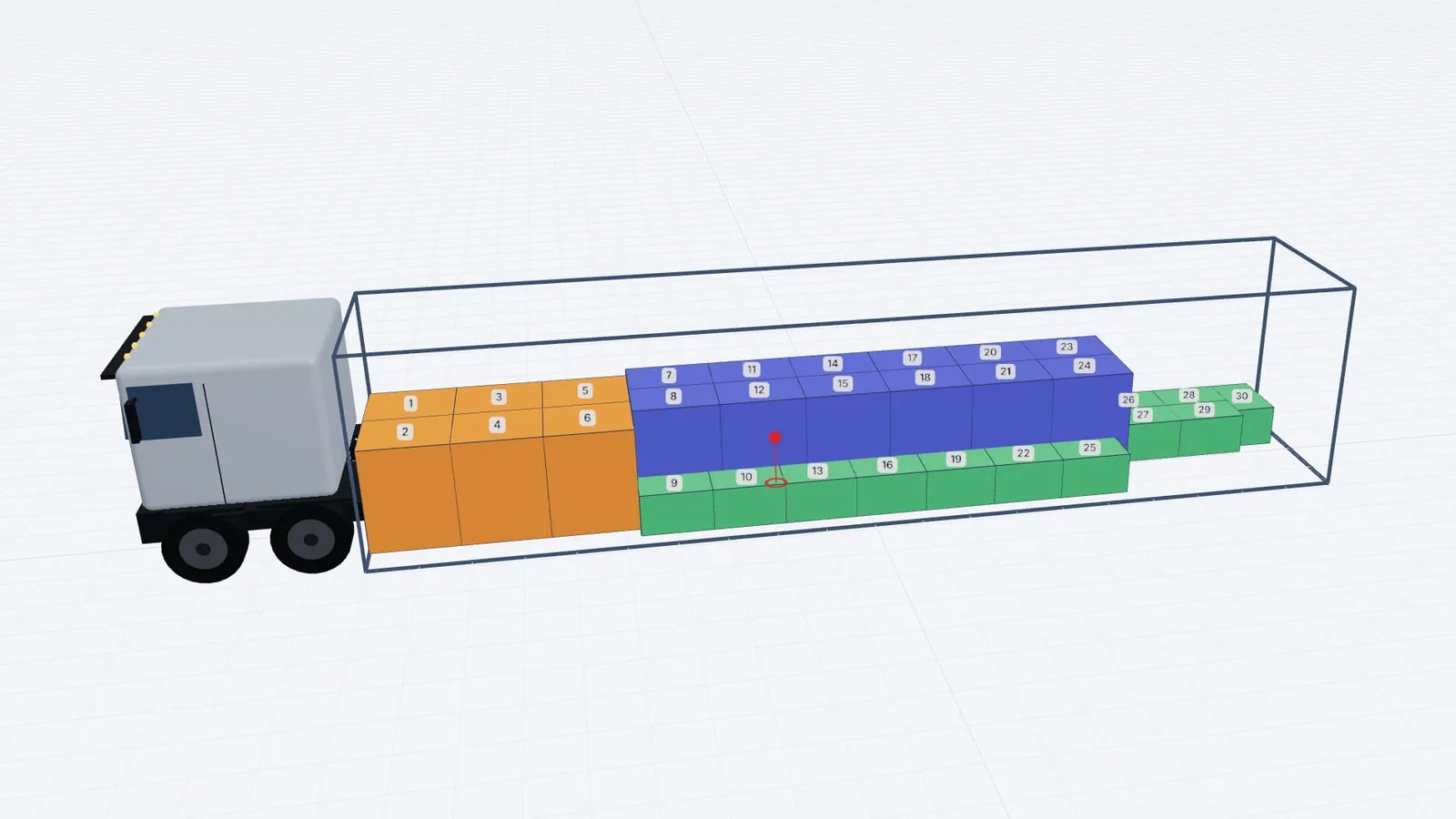
Goodloading Alternative: What to Compare Before Switching
Looking for a Goodloading alternative? What to compare when switching load planners: trial, file import, sequence, multi-stop, axles, vehicles and cost.
Read article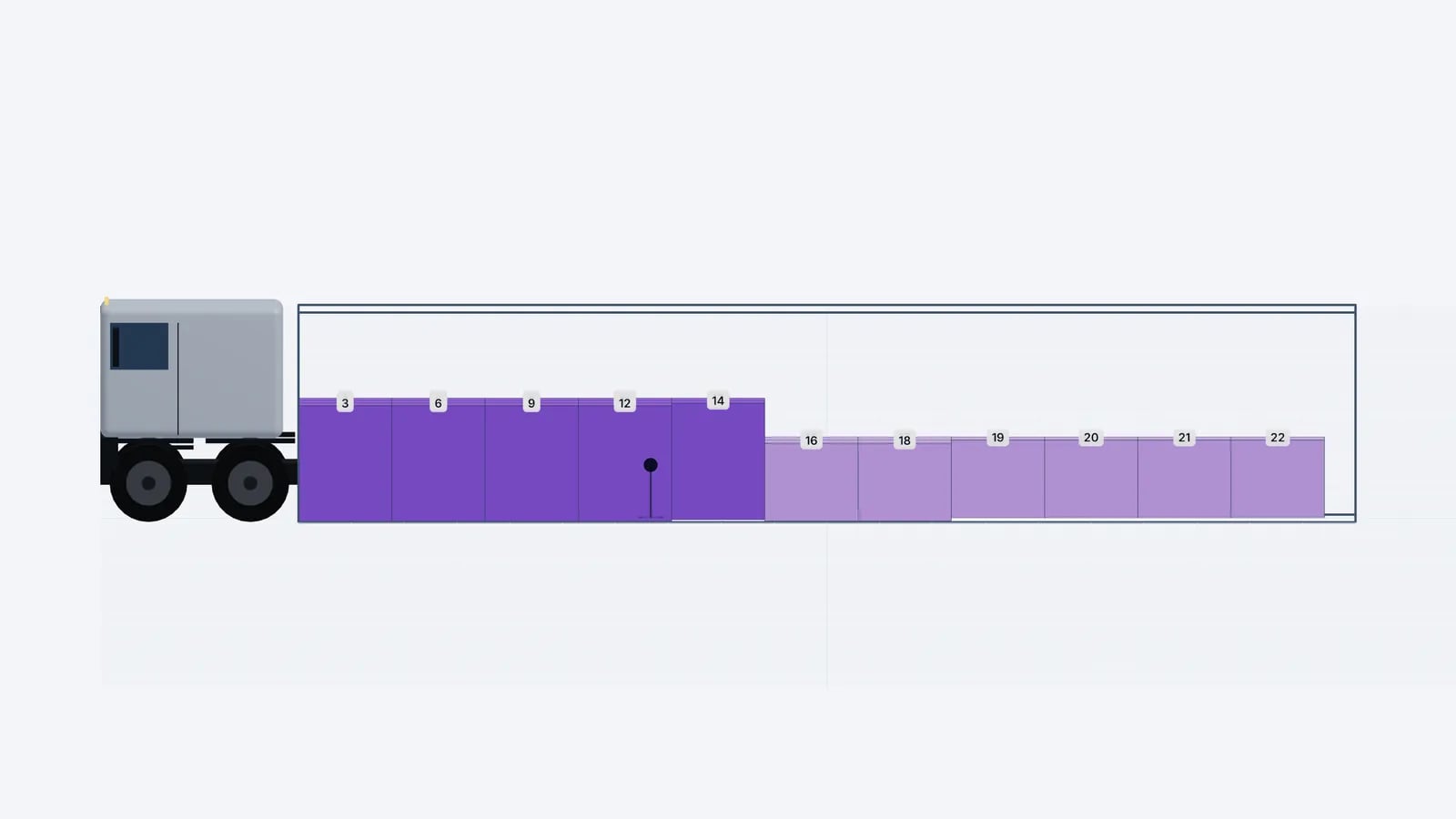
Operations & software · · 5 min read
Loading Plan for Drivers: What the Paper and the Link Need
What drivers and the warehouse need in a loading plan: manifest, loading sequence, top/side/rear drawings, stop order and weights, on paper or a phone link.
Read article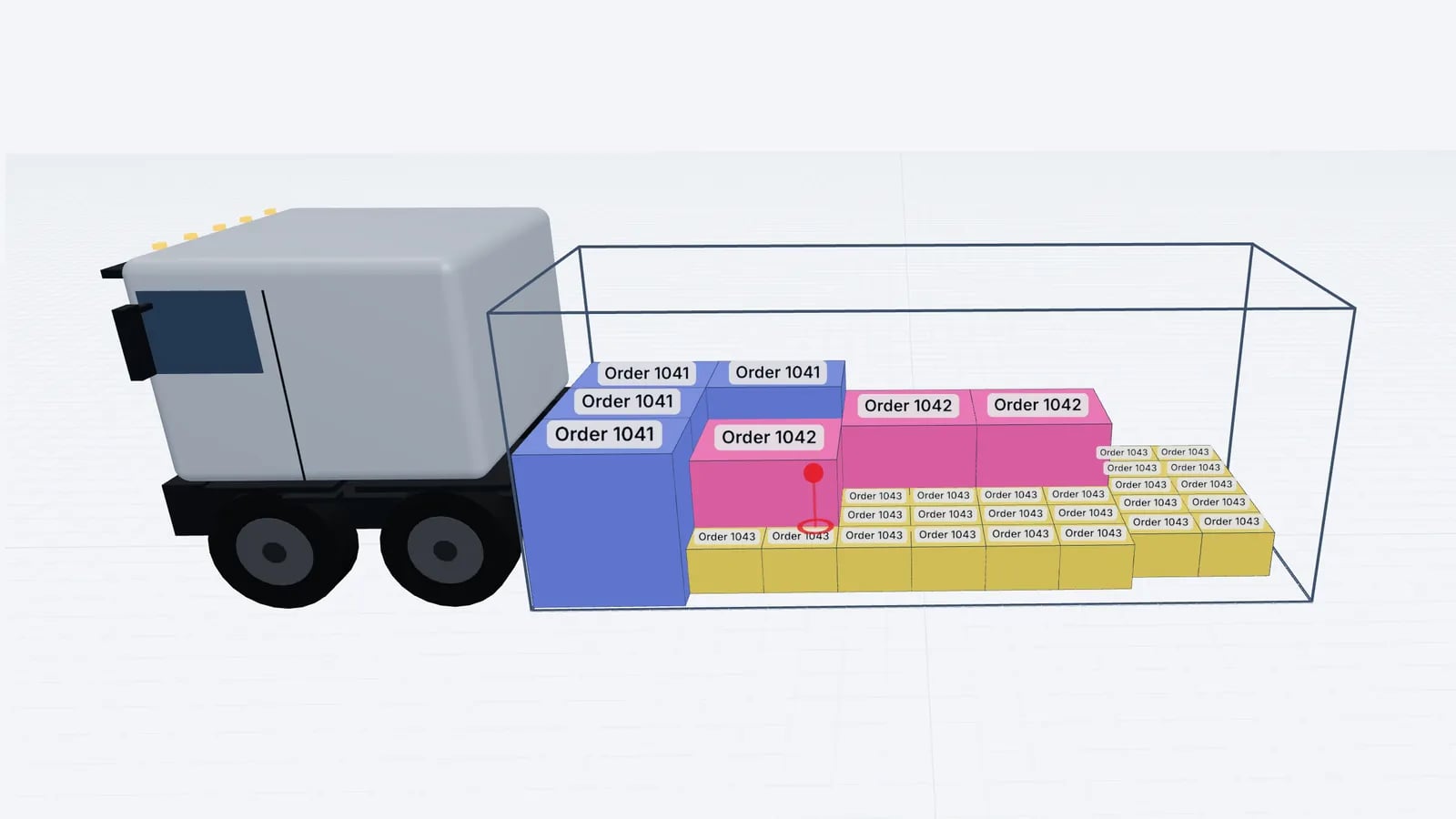
Operations & software · · 5 min read
Load Planning in Excel vs a 3D Planner: When to Switch
Where load planning in Excel works, where it breaks (stacking, mixed sizes, axles, sequence) and how to keep your spreadsheet as input for a 3D planner.
Read article