Views, camera and display
Orbit, zoom and pan; switch to top, side and rear views; labels and colours.
| To | Do this |
|---|---|
| Orbit around the load | Drag empty space with the left mouse button |
| Pan | Drag with the right mouse button |
| Zoom | Scroll. It zooms towards the pointer. |
| Look from a side | Click a face of the cube in the top right (Front, Back, Left, Right, Top) |
| Get the whole load back in view | Reset view or F |
Flat views
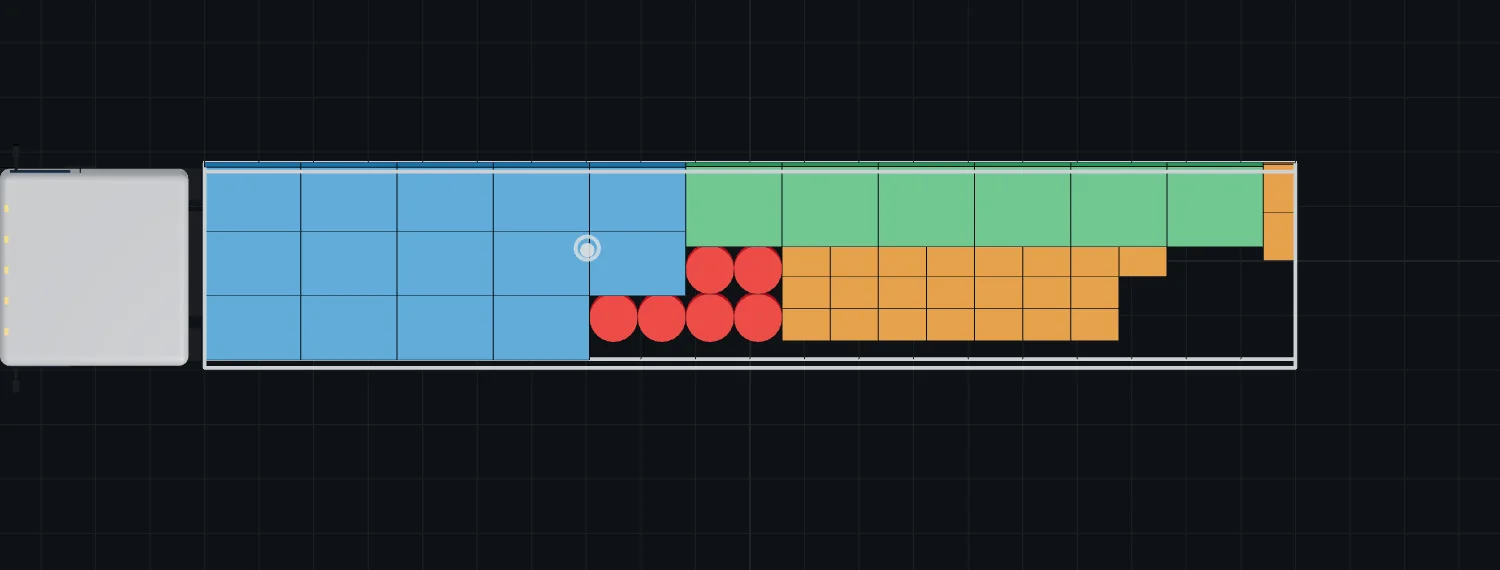
Top, Side and Rear show the load as a flat drawing, the same views that go into the PDF. You can drag items in these views too.
Display menu
- Labels on items: off, Load order numbers, or item names.
- Color by: Item, delivery Stop or Weight (light = light, dark red = heavy).
- Show truck / ship model and Show floor grid.
Something unclear or out of date? Tell us and we'll fix the page.